
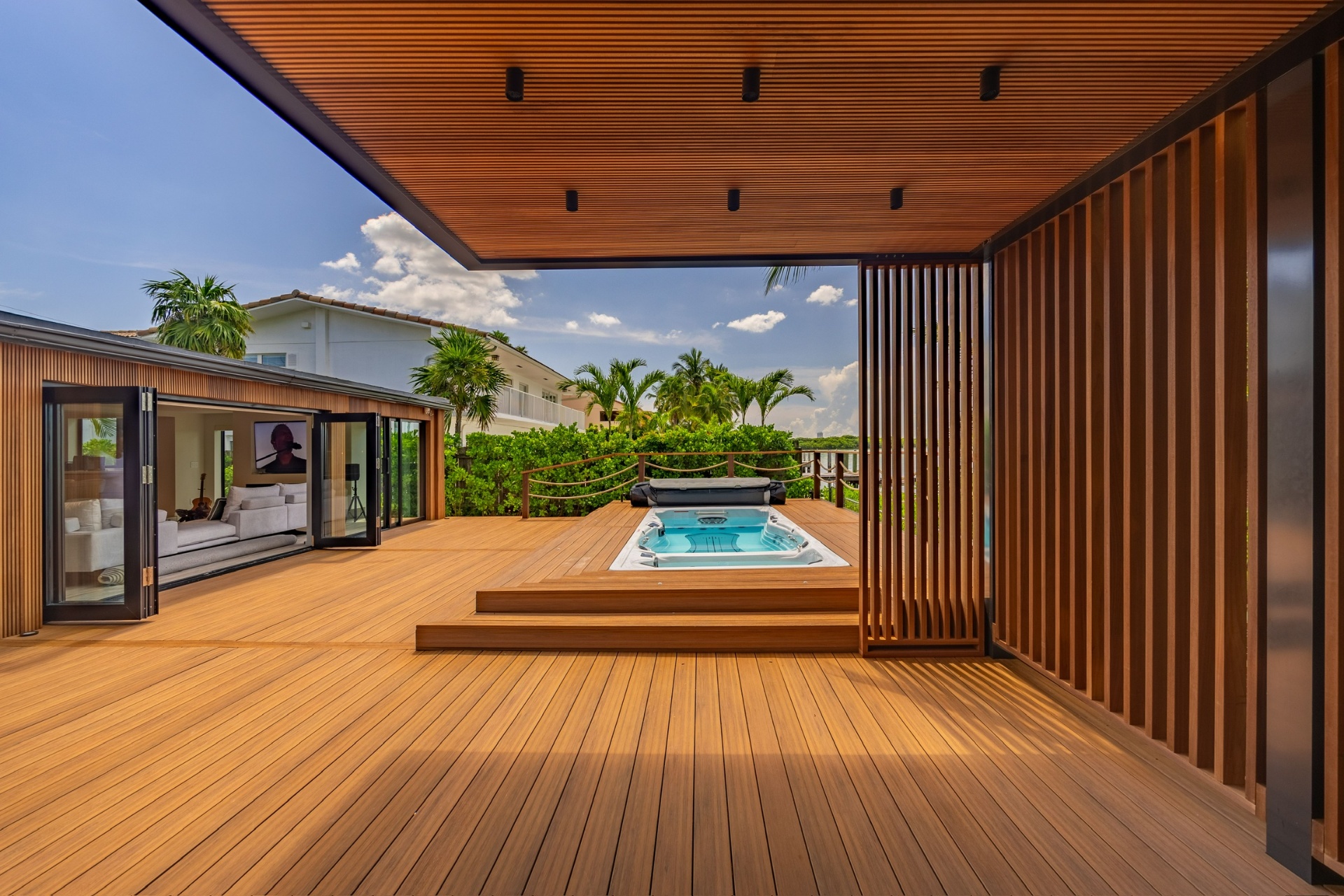
Ordering the right amount of decking material is critical for any project. Too little means delays and mismatched boards from different batches. Too much wastes money. This guide walks you through the calculation process and helps you account for waste, cuts, and complex deck shapes.
Step 1: Measure Your Deck Area
Start by measuring the total area of your deck in square feet. For rectangular decks, multiply length × width.
Example: A deck that is 20 feet long and 12 feet wide = 240 square feet.
For irregular shapes, break the area into rectangles and triangles, calculate each separately, and add them together.
- Rectangle: Length × Width
- Triangle: (Base × Height) ÷ 2
- L-shaped deck: Split into two rectangles
Step 2: Add Waste Factor
Every decking project generates waste from cuts, defects, and fitting around obstacles. Industry standard waste factors:
- Simple rectangular deck: Add 10% waste
- Deck with angles or curves: Add 15% waste
- Complex multi-level deck: Add 15–20% waste
- Diagonal board pattern: Add 15–20% waste
Example: 240 sq ft deck + 10% waste = 264 sq ft of material needed.
Step 3: Convert to Bundles or Board Feet
Different products are sold in different units. Here is how common iLumber products are packaged:
| Product | Coverage per Bundle |
|---|---|
| Ipe Wood Decking (1×6) | 15 sq ft per bundle |
| Thermo Wood Ayous Cladding | 15 sq ft per bundle |
| Natural Elegance Composite Slats | 21 sq ft per bundle |
Example: 264 sq ft ÷ 15 sq ft/bundle = 17.6 → round up to 18 bundles.
Always round up to the nearest whole bundle. You cannot order partial bundles.
Planning a decking or cladding project?
Use our material estimator or explore our premium hardwood and thermo wood materials.
Common Deck Sizes and Material Estimates
| Deck Size | Sq Ft | +10% Waste | Ipe Bundles (15 sf) | Composite Bundles (21 sf) |
|---|---|---|---|---|
| 10×10 | 100 | 110 | 8 | 6 |
| 12×12 | 144 | 159 | 11 | 8 |
| 14×20 | 280 | 308 | 21 | 15 |
| 16×24 | 384 | 423 | 29 | 21 |
| 20×30 | 600 | 660 | 44 | 32 |
Tips for Accurate Estimation
- Measure twice, order once — verify all dimensions before placing your order
- Account for stairs, borders, and picture-frame edges separately
- If your deck wraps around a corner, measure each section independently
- Order all material from the same batch to ensure color consistency
- Consider ordering 1–2 extra bundles for future repairs
Using the iLumber Material Estimator
Every iLumber product page includes a built-in material estimator. Simply enter your square footage or use the bundle calculator, and the waste adjustment tool will help you add the right amount of extra material.
The waste adjustment buttons (+10%, +15%, +20%) automatically round up to the nearest whole bundle, so you always order the right amount.
Ready to start your project?
Explore our premium materials or get help planning your project.